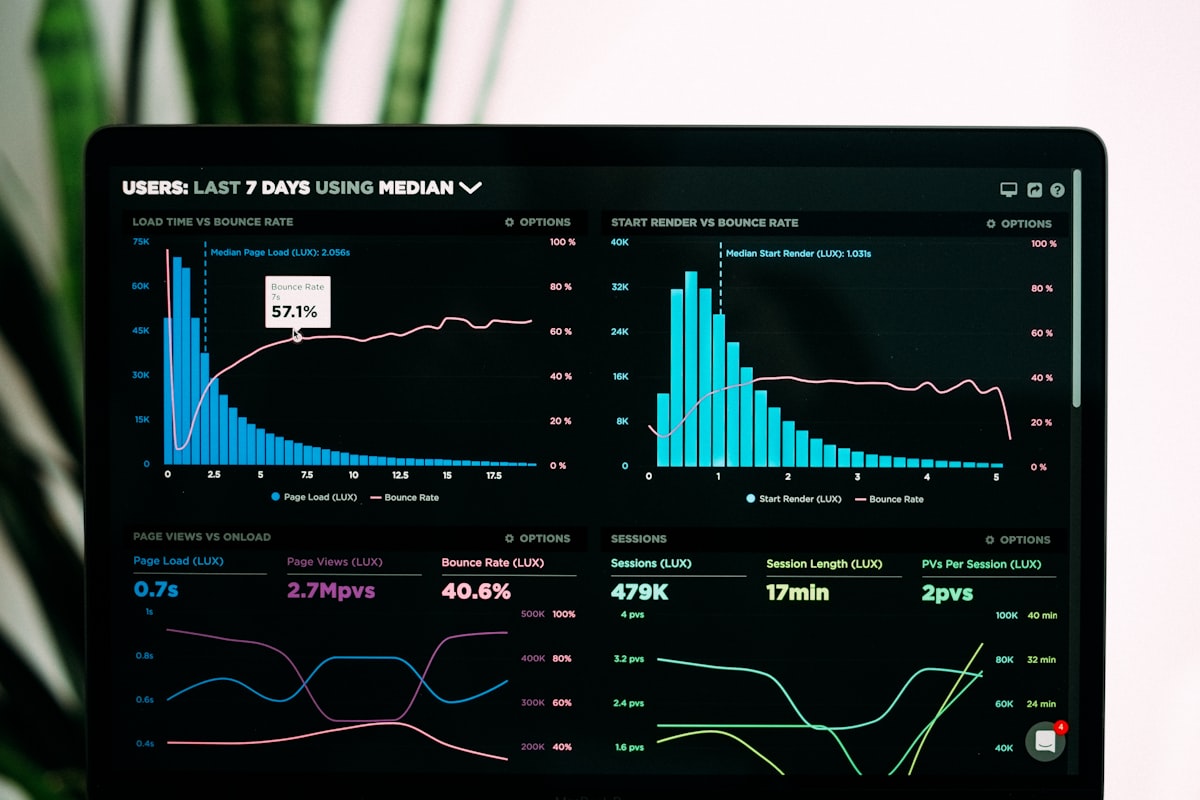
Observability in a Spring Boot application means being able to answer three questions without SSH-ing into a server: what is happening right now, why did that request fail, and what changed between yesterday and today. OpenTelemetry gives you a vendor-neutral way to emit the data that answers those questions — traces, logs, and metrics — and route it to whatever backend your team prefers.
This article walks through wiring up a Spring Boot 3 application with the OpenTelemetry Spring Boot Starter, an OpenTelemetry Collector, Grafana Tempo for traces, and Grafana Loki for logs. Everything runs locally with Docker Compose.
How it fits together
The stack has four moving parts:
- Spring Boot app — emits traces and logs over OTLP to the Collector using the OTel Spring Boot Starter (zero agent, no
-javaagentflag needed) - OpenTelemetry Collector — receives OTLP data, fans it out: traces go to Tempo, logs go to Loki
- Grafana Tempo — stores distributed traces, queryable by trace ID and service graph
- Grafana Loki — stores structured logs, queryable with LogQL; log entries include the
trace_idandspan_idfrom the active OTel context, so you can jump from a log line directly to the trace
The key property of this setup is correlation: a single request ID links a trace in Tempo to log lines in Loki. When something goes wrong you start from either end and navigate to the other.
Prerequisites
- Docker and Docker Compose (V2 —
docker compose, notdocker-compose) - Java 17 or higher (required by Spring Boot 3)
- Maven or Gradle
Project structure
.
├── docker-compose.yml
├── otel-collector-config.yml
├── src/main/
│   ├── java/...
│   └── resources/
│       ├── application.yml
│       └── logback-spring.xml
└── pom.xml
Maven dependencies
Add the OpenTelemetry Spring Boot Starter and BOM to your pom.xml. The starter handles auto-instrumentation of HTTP servers, clients, JDBC, and more — no @WithSpan annotations required for standard Spring MVC flows.
<dependencyManagement>
  <dependencies>
    <dependency>
      <groupId>io.opentelemetry</groupId>
      <artifactId>opentelemetry-bom</artifactId>
      <version>1.60.0</version>
      <type>pom</type>
      <scope>import</scope>
    </dependency>
    <dependency>
      <groupId>io.opentelemetry.instrumentation</groupId>
      <artifactId>opentelemetry-instrumentation-bom-alpha</artifactId>
      <version>2.26.0-alpha</version>
      <type>pom</type>
      <scope>import</scope>
    </dependency>
  </dependencies>
</dependencyManagement>

<dependencies>
  <dependency>
    <groupId>io.opentelemetry.instrumentation</groupId>
    <artifactId>opentelemetry-spring-boot-starter</artifactId>
  </dependency>

  <!-- Logback appender — bridges SLF4J logs into the OTel log pipeline -->
  <dependency>
    <groupId>io.opentelemetry.instrumentation</groupId>
    <artifactId>opentelemetry-logback-appender-1.0</artifactId>
    <scope>runtime</scope>
  </dependency>
</dependencies>
The versions are managed by the BOMs — do not specify a <version> on the starter or appender directly, let the BOM resolve them.
Application configuration
Configure the OTel SDK via application.yml. The starter picks these up automatically:
spring:
  application:
    name: my-service

otel:
  service:
    name: ${spring.application.name}
  exporter:
    otlp:
      endpoint: http://localhost:4318   # Collector HTTP OTLP endpoint
      protocol: http/protobuf
  logs:
    exporter: otlp
  traces:
    exporter: otlp
  metrics:
    exporter: otlp                      # optional — remove if you use Prometheus instead
  instrumentation:
    logback-appender:
      enabled: true
      capture-code-attributes: true     # adds code.namespace, code.function to log records
      capture-arguments: false          # set true to capture log argument values
      capture-marker-attribute: true
The otel.exporter.otlp.endpoint points at the Collector’s HTTP OTLP receiver. Use port 4318 for http/protobuf and port 4317 for gRPC.
Logback configuration
The OTel logback appender forwards log records to the OTel SDK, which ships them to the Collector alongside traces. Add it to logback-spring.xml:
<?xml version="1.0" encoding="UTF-8"?>
<configuration>
  <include resource="org/springframework/boot/logging/logback/defaults.xml"/>

  <!-- Console appender for local development -->
  <appender name="CONSOLE" class="ch.qos.logback.core.ConsoleAppender">
    <encoder>
      <pattern>%d{HH:mm:ss.SSS} [%thread] %-5level %logger{36} - %msg%n</pattern>
    </encoder>
  </appender>

  <!-- OpenTelemetry appender — sends logs to the OTel SDK log pipeline -->
  <appender name="OpenTelemetry"
            class="io.opentelemetry.instrumentation.logback.appender.v1_0.OpenTelemetryAppender">
    <captureExperimentalAttributes>true</captureExperimentalAttributes>
    <captureCodeAttributes>true</captureCodeAttributes>
  </appender>

  <root level="INFO">
    <appender-ref ref="CONSOLE"/>
    <appender-ref ref="OpenTelemetry"/>
  </root>
</configuration>
Every log record emitted while a span is active will carry trace_id and span_id as structured attributes. Loki stores these and Grafana can use them to link directly to the corresponding Tempo trace.
Docker Compose
Run the full observability backend locally:
services:
  tempo:
    image: grafana/tempo:latest
    command: ["-config.file=/etc/tempo.yml"]
    volumes:
      - ./tempo-config.yml:/etc/tempo.yml
    ports:
      - "3200:3200"   # Tempo HTTP API
      - "4317:4317"   # OTLP gRPC (for Collector → Tempo)

  loki:
    image: grafana/loki:latest
    command: ["-config.file=/etc/loki/local-config.yaml"]
    ports:
      - "3100:3100"

  otel-collector:
    image: otel/opentelemetry-collector-contrib:latest
    volumes:
      - ./otel-collector-config.yml:/etc/otelcol-contrib/config.yaml
    ports:
      - "4317:4317"   # OTLP gRPC receiver (from app)
      - "4318:4318"   # OTLP HTTP receiver (from app)
    depends_on:
      - tempo
      - loki

  grafana:
    image: grafana/grafana:latest
    ports:
      - "3000:3000"
    environment:
      - GF_AUTH_ANONYMOUS_ENABLED=true
      - GF_AUTH_ANONYMOUS_ORG_ROLE=Admin
    depends_on:
      - tempo
      - loki
Note: if the app runs on the host (not in Docker), change otel.exporter.otlp.endpoint to http://localhost:4318. If the app also runs in Docker, use http://otel-collector:4318.
OpenTelemetry Collector configuration
The Collector receives OTLP from the app, batches it for efficiency, and exports traces to Tempo and logs to Loki:
receivers:
  otlp:
    protocols:
      grpc:
        endpoint: 0.0.0.0:4317
      http:
        endpoint: 0.0.0.0:4318

processors:
  batch:
    timeout: 1s
    send_batch_size: 1024

  # Attach resource attributes to all telemetry
  resource:
    attributes:
      - action: insert
        key: loki.resource.labels
        value: service.name, service.version

exporters:
  # Traces → Tempo (over OTLP gRPC)
  otlp/tempo:
    endpoint: tempo:4317
    tls:
      insecure: true

  # Logs → Loki (over Loki's native push API)
  loki:
    endpoint: http://loki:3100/loki/api/v1/push

  # Optional: log all telemetry to Collector stdout for debugging
  debug:
    verbosity: basic

service:
  pipelines:
    traces:
      receivers: [otlp]
      processors: [batch]
      exporters: [otlp/tempo]
    logs:
      receivers: [otlp]
      processors: [batch, resource]
      exporters: [loki]
A few things worth calling out here:
- Named exporters —
otlp/tempouses the/naming syntax to distinguish this OTLP exporter from others. The part after/is just a label. loki.resource.labels— this processor attribute tells the Loki exporter which resource attributes to promote as Loki stream labels. Usingservice.nameas a label lets you filter by service in Grafana without a full-text scan.debugexporter — useful during setup; remove or setverbosity: nonein production.
Running it
Start the observability stack:
docker compose upStart the Spring Boot app:
mvn spring-boot:runGenerate some traffic:
curl http://localhost:8080/helloOpen Grafana at http://localhost:3000. You should see:
- Explore → Tempo — find traces by service name
my-service - Explore → Loki — query
{service_name="my-service"}to see structured logs - Trace to logs — click a span in Tempo to jump to the correlated Loki log lines for that trace ID
Adding custom spans
The starter instruments Spring MVC, WebClient, JDBC, and other libraries automatically. For business logic you want to trace explicitly, use the OTel API:
import io.opentelemetry.api.GlobalOpenTelemetry;
import io.opentelemetry.api.trace.Span;
import io.opentelemetry.api.trace.Tracer;

@Service
public class OrderService {

    private final Tracer tracer =
        GlobalOpenTelemetry.getTracer("com.example.order-service");

    public Order processOrder(String orderId) {
        Span span = tracer.spanBuilder("processOrder")
            .setAttribute("order.id", orderId)
            .startSpan();

        try (var scope = span.makeCurrent()) {
            // business logic here
            return doProcess(orderId);
        } catch (Exception e) {
            span.recordException(e);
            span.setStatus(StatusCode.ERROR, e.getMessage());
            throw e;
        } finally {
            span.end();
        }
    }
}
Or use the @WithSpan annotation for simpler cases — the starter picks it up without any additional configuration:
import io.opentelemetry.instrumentation.annotations.WithSpan;
import io.opentelemetry.instrumentation.annotations.SpanAttribute;

@WithSpan
public Order processOrder(@SpanAttribute("order.id") String orderId) {
    return doProcess(orderId);
}
@WithSpan creates a new span for each method call and automatically sets its status based on whether the method throws. @SpanAttribute promotes a parameter to a span attribute.
What gets instrumented automatically
The Spring Boot Starter instruments the following without any code changes:
| Library | Signals |
|---|---|
| Spring MVC / WebFlux | Traces (server spans), route templating |
| Spring WebClient / RestTemplate | Traces (client spans), context propagation |
| JDBC | Traces (DB spans with sanitized query) |
| Logback / Log4j2 | Logs with trace/span ID correlation |
| Spring Kafka / RabbitMQ | Traces (producer/consumer spans) |
| Spring Scheduling | Traces for @Scheduled methods |
| JVM runtime | Metrics (heap, GC, threads, CPU) |
Conclusion
The OpenTelemetry Spring Boot Starter with Tempo and Loki gives you a production-grade observability stack with minimal configuration. The starter handles instrumentation at the framework level — your application code stays clean, and adding a new endpoint or database call is automatically observable without touching the telemetry layer.
The trace-to-log correlation is the most practically useful part of this setup. Being able to jump from a failed trace directly to the log lines emitted during that request — with no manual string matching — cuts incident response time significantly.
GitHub repository: github.com/ridakaddir/java-Observability-using-OpenTelemetry-Tempo-and-Loki